
Why it matters
- Keep users in the loop: Tell users you're already working on the problem, or give them a workaround so they can get back to what they were doing.
- Reduce support tickets: When users get an answer right away, fewer of them post the same report to Discord, the forums, and email.
How it works
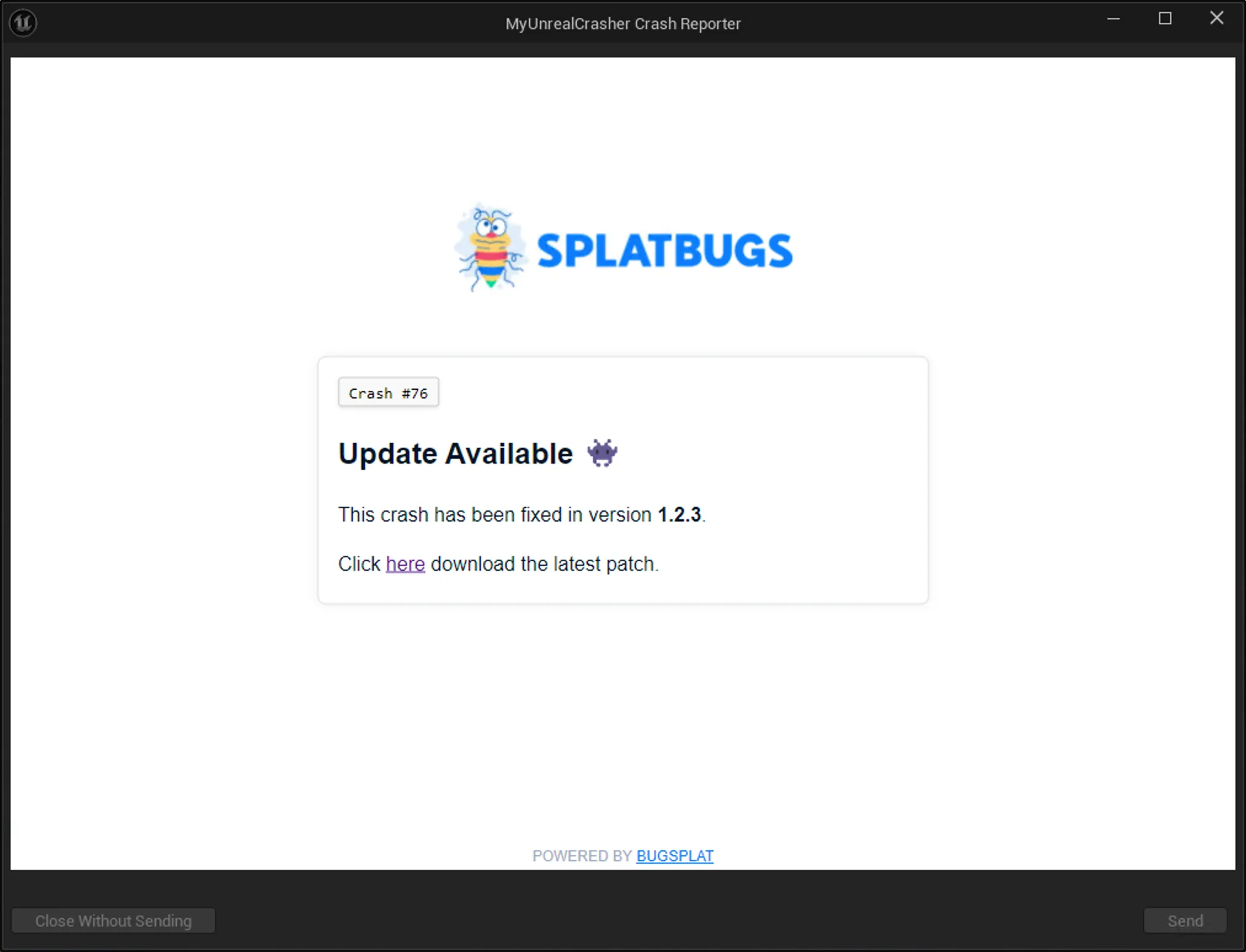
Custom Support Responses are tied to crash groups, which BugSplat organizes using grouping rules. That way, when a known crash happens, the user sees the message written for that crash. Depending on the platform, it appears in the crash dialog or opens in the user's browser.
You can set a default message for every crash that doesn't have its own. Your application can also set an application key at runtime, which lets you show different messages for the same crash. A common use is one message per language.
Messages are written in Markdown, so you can include links, code blocks, and whatever else your support team needs.
Set it up in the dashboard
You write and preview responses inside your BugSplat dashboard. There is nothing else to install and no HTML to upload.
Want to see it in action?
This blog post walks through a full Unreal Engine implementation, with code. The setup steps are in the docs.
🐛 Fixed a legendary bug? Tell us your story
🐛 Fixed a legendary bug? Tell us your story